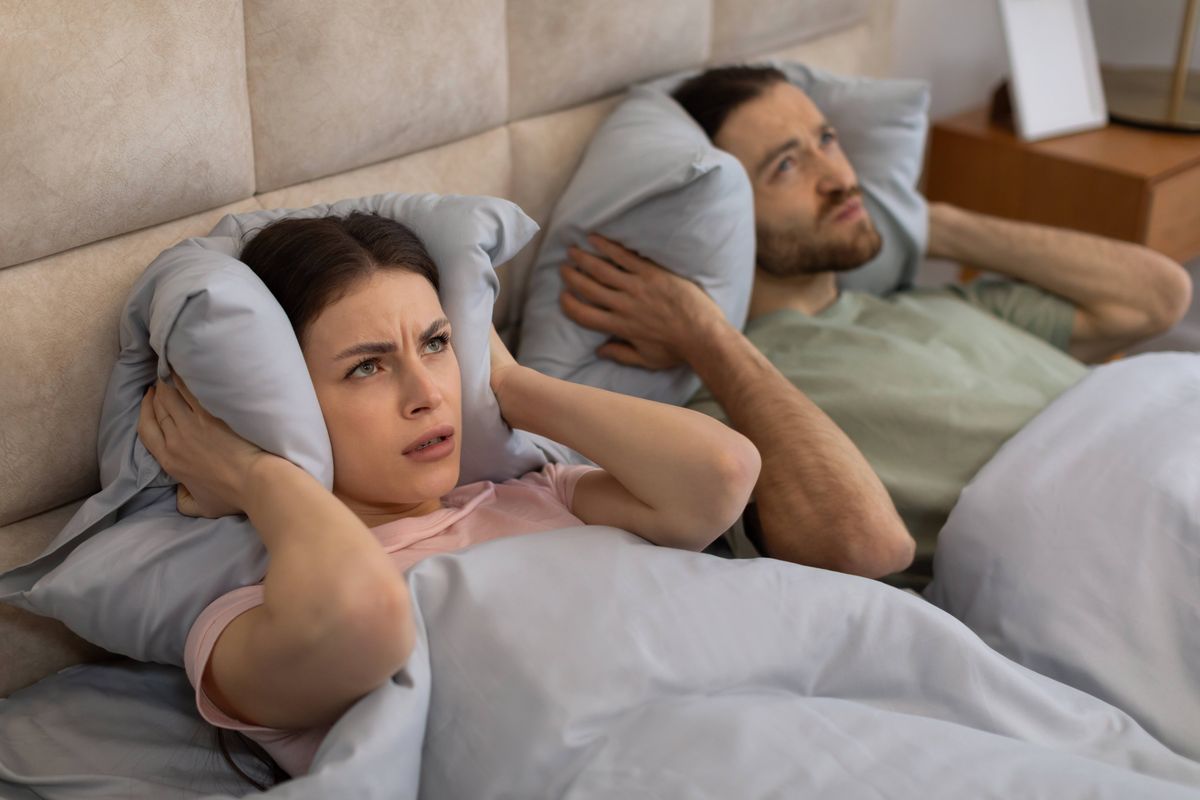
Apartment Noise And dB
Noise in an apartment is usually described in decibels (dB), a logarithmic scale that compresses a wide range of sound pressures into numbers people can compare. A reading of 30 dB is typically quiet indoor background, while 60 dB often corresponds to normal conversation at close range. 70 dB and above can start to interfere with concentration for many people, and sustained levels near that range can disrupt sleep. The goal before renting is not to chase a single “perfect” number, but to measure the kinds of noise you will actually live with at the times you care about.
Sound level meters in phones and dedicated meters both report dB, but they do not all measure the same way. Most consumer apps estimate sound pressure using the phone microphone, then apply a weighting curve such as A-weighting (dBA) to match human hearing sensitivity. That weighting matters because it changes how low-frequency rumble and high-frequency hiss show up in the final number. If you compare readings, compare the same weighting and the same measurement method across apartments.
Practical example: a unit near a street may show 55–65 dBA during the evening rush, but the same unit might drop to 35–45 dBA late at night. A unit above a gym may show smaller day-to-day changes, yet produce short spikes from footsteps, weights, or music. Those spikes can be more disruptive than the average level, so you want both a “typical” reading and a sense of how often peaks occur.
Common Measurement Mistakes
Renters often treat noise as a single number, then ignore time-of-day patterns. A 10-minute walkthrough at 2 p.m. misses the bus schedule, trash pickup, deliveries, and neighbor routines that cluster later. Even within the same hour, sound levels fluctuate as doors open, HVAC cycles, and people move through hallways.
Another frequent issue is mixing measurement types. Some apps show “instantaneous” dB, while others show an average or a maximum. If you only record the peak, you may overestimate typical exposure; if you only record the average, you may miss the sharp events that wake you. Many apps also smooth readings, which can hide short spikes that matter for sleep.
Phone microphones add their own bias. Microphones saturate at high levels, and wind or handling noise can raise readings. A phone placed on a bed or held in a hand can change the reading compared with a meter on a table. I’ve seen apps label readings as “dB” when they are actually dBA estimates with automatic gain control, and that mismatch can make two apartments look comparable when they are not.
Building factors can also dominate the measurement. Lightweight interior walls transmit speech more easily than you expect, while concrete and masonry can reduce mid-frequency noise but still pass low-frequency vibration. If the building has shared plumbing stacks, you may see intermittent bursts from water flow that correlate with other units. HVAC systems can create steady background noise that masks quiet sounds, and that masking can change your perception even when the measured dBA stays similar.
How To Measure dB Before
Pick Times That Match Your Life
Measure at least three windows: morning (commute start), evening (social activity), and late night (sleep test). If you work nights or study at home, add a window that matches your schedule. For each window, record for 10–20 minutes, then note the highest stable level you observe and the number of obvious spikes. A short note like “music thumps every 15–20 minutes” beats a single number.
Use the same room and placement each time. Put the phone or meter at head height where you sleep, then repeat in the living area where you spend time. If you can, keep the device 1–2 feet away from walls and avoid corners, because reflections can inflate readings. I usually recommend a simple ritual: same spot, same duration, same weighting setting, then compare across apartments.
Use A Consistent Meter Setup
Choose one measurement tool and stick with it. Many Android and iOS apps offer sound level meters, but their calibration varies. A dedicated sound level meter is more reliable, yet even a phone can help with relative comparisons if you control the method. Set the app to A-weighting (dBA) if available, and record whether the app reports “Leq” (equivalent continuous level) or “Max” and “Min.” Leq is often more meaningful for typical exposure because it accounts for fluctuating sound energy.
Calibrate expectations: consumer devices rarely match a lab-grade meter within a few dB. That uncertainty matters when you compare apartments with small differences. If one unit reads 48 dBA and another reads 52 dBA under the same method, the difference might be real or might be measurement noise. If one unit shows 45 dBA with occasional spikes to 65 dBA and the other stays near 55 dBA with frequent spikes, the pattern difference is usually more actionable than the exact number.
Side observation from a practical standpoint: some apps label “dB” but hide the weighting curve in settings. On one app version I checked (v3.1.0 on a recent phone), the weighting option was buried under a gear icon, and the default was not what the user expected. Before you start, confirm the weighting and the measurement mode on the screen.
Record Peaks, Not Just Averages
Sleep disruption often comes from peaks and events, not only from the average. During each measurement window, write down the approximate frequency of spikes (for example, “every 30 minutes” or “random short bursts”). If your app provides a “Max” value, capture it, but also note what caused it: footsteps, door slams, TV bass, elevator movement, or HVAC cycling. A unit with a lower average can still feel worse if it has frequent sharp events.
When you review your notes, separate steady noise from event noise. Steady noise like HVAC hum can be easier to adapt to, while event noise like music with bass can carry through walls and floors. If you can, measure with windows open and closed, because street noise and hallway noise change dramatically with ventilation habits.
Document For Negotiation
Bring your measurement log to the viewing or follow-up. Take screenshots of the app’s readings with timestamps, and write a short narrative that links readings to events. Landlords and leasing offices respond better to specific observations than to vague complaints. A sample note: “Evening window 7:10–7:30 pm: average ~52 dBA, peaks to ~68 dBA when the hallway door closes; repeated 4 times.”
Keep your documentation factual and consistent. Avoid claims about “health effects” unless you have medical guidance; focus on measurable noise patterns and your intended use of the space. If the building has a quiet-hours policy, ask how it is enforced and whether there are documented complaints. Enforcement varies by property, and the lease language matters for remedies.
Educational Case Examples
Street Noise With Night Drop
An anonymized renter measured a unit on the third floor facing a main road. During the evening window, the app showed a typical range around the low-to-mid 60s dBA with occasional peaks above that range during bus passes. Late night readings dropped into the 40s dBA, and the renter noted that the remaining noise came from distant traffic rather than nearby doors. The renter chose the unit after confirming that bedroom readings stayed low when windows were closed, and that the peak events were tied to predictable traffic times.
Above Gym Footstep Spikes
A second renter evaluated a unit directly below a small fitness studio. Daytime readings hovered around the high 40s to low 50s dBA, but the renter recorded frequent peaks in the 60s dBA during class changeovers. The app’s “Max” values were less useful than the event notes: repeated thumps and rhythmic impacts occurred on a schedule tied to class start times. The renter negotiated a lease clause about noise mitigation or chose a different unit after the building manager declined to address floor impact concerns.
Noise Measurement Checklist
| What You Measure | What To Record | Why It Matters | How To Compare |
|---|---|---|---|
| Typical level | Leq or average over 10–20 minutes (dBA) | Shows background exposure during your routine | Same room, same placement, same weighting |
| Peak events | Max dBA plus event count and cause | Often drives sleep and startle responses | Count spikes per window, not only the highest number |
| Time-of-day pattern | Morning, evening, late night windows | Noise sources cluster at predictable times | Compare the same windows across units |
| Window/door state | Readings with windows open vs closed | Street and hallway noise change with ventilation | Use the same ventilation habits you plan to keep |
Step-by-step checklist you can follow during a comparison visit:
- Pick one device and one app setting, then confirm A-weighting (dBA) and the measurement mode on-screen.
- Measure 10–20 minutes in the bedroom area at head height, then write down the top 2–3 noise sources you hear.
- Repeat in the living area for 10–20 minutes, noting whether noise is steady or event-driven.
- Measure again during evening and late-night windows if you can access the unit at those times.
- Record peaks with timestamps and a short cause label (door slam, footsteps, HVAC cycle, elevator).
- Compare units using the same method and focus on patterns, not only the highest number.
Common Mistakes To Avoid
One mistake is relying on a single walkthrough reading. Noise sources often change with occupancy, deliveries, and HVAC cycling, so a short visit can understate evening or late-night exposure. Another mistake is using different apps or different weighting modes across apartments, which makes the numbers hard to compare.
People also over-trust phone dB values without checking for clipping or smoothing. If the app shows a “Max” that seems inconsistent with what you heard, the microphone may have saturated or the app may have filtered the signal. In that case, the event notes still help, but the exact dB number becomes less reliable.
Some renters chase a “quiet” unit by targeting only street noise, then ignore internal noise paths like plumbing and hallway doors. A unit can measure low for traffic yet still feel loud due to impact noise from above or speech transmission through thin walls. If you hear repeated impacts, measure for peaks and count them.
Finally, avoid turning measurements into threats. A calm log with timestamps and descriptions supports a constructive conversation with the landlord. If you plan to escalate, keep your evidence factual and consistent, because vague complaints rarely lead to measurable changes.
FAQ
What Does dBA Mean For Noise?
dBA is a sound level measurement that applies a weighting curve to match how human hearing responds across frequencies. Many phone apps label readings as dB but actually report dBA estimates, so check the app’s weighting setting before comparing apartments.
How Long Should I Measure In Each Room?
Measure 10–20 minutes per room per time window, then repeat in at least two different times of day. Shorter sessions miss patterns like class schedules, trash pickup, and HVAC cycling.
Can A Phone App Replace A Sound Meter?
A phone app can support relative comparisons if you keep the same device, settings, and placement. Phone microphones and app calibration vary, so treat the exact dB values as approximate and focus on patterns and event frequency.
What Noise Levels Should I Be Worried About?
There is no single universal cutoff because sensitivity varies, but sustained levels in the 60 dBA range and frequent peaks above that range often interfere with sleep and concentration for many people. Use your own measurement pattern and your sleep needs as the decision basis.
How Do I Document Noise For A Landlord?
Save screenshots or logs with timestamps, record the room and device placement, and write a short note linking peaks to causes you can identify. A factual log with repeated observations carries more weight than a general complaint.
Author's Insight
Noise measurement before renting works best when you treat dB as a tool for comparing patterns, not as a medical diagnosis. Consumer devices can estimate dBA, but calibration uncertainty means small numeric differences may not reflect real-world differences. The most actionable evidence usually comes from time-of-day measurements and event notes tied to specific sources like footsteps, doors, or HVAC cycles. If you document consistently, you can negotiate with clearer expectations about what changes are feasible in that building.
Key Takeaways
- Measure in multiple time windows and record both typical levels and peak events.
- Use one device and one weighting mode (often dBA) to keep comparisons meaningful.
- Place the phone/meter consistently at head height and avoid corners that amplify reflections.
- Document causes of spikes and count their frequency, since peaks often drive sleep disruption.
- Use factual logs for landlord discussions, and treat phone dB numbers as approximate.