Headphones Basics For Buyers
First headphones sit at the intersection of comfort, sound quality, and device compatibility. A pair that feels fine for 10 minutes can become distracting after an hour, especially with clamp force or heat buildup. Sound quality depends on more than “bass” or “clarity”; it depends on how the ear seals, how the drivers behave at different volumes, and how the headphone’s tuning interacts with your hearing. Compatibility matters because Bluetooth codecs, wired impedance, and microphone routing change the experience on phones, laptops, and gaming controllers.
Start with your main use case. For commuting, you often want passive isolation plus a stable Bluetooth connection. For studying, you may prefer a neutral-ish tuning and a comfortable seal that reduces the need to raise volume. For calls, mic performance and background-noise handling matter more than stereo imaging. If you plan to use a phone and a laptop, check that the headphones handle switching without constant re-pairing, which can be annoying when you just want to work.
Common Buying Mistakes
People often buy by headline specs like “frequency range” or “surround sound.” Frequency range numbers rarely tell you how the headphone sounds at typical listening levels, and “surround” features can add processing that changes timbre. Another frequent mistake is assuming all Bluetooth headphones sound the same across devices. Codec support, Bluetooth profiles, and device audio processing can shift bass quantity and vocal presence.
Fit problems create the biggest day-to-day complaints. Over-ear headphones that press too hard can cause headaches, while loose fit leaks sound and forces higher volume. In-ear models can also be uncomfortable if the tips do not match your ear canal shape. If you use earbuds with foam tips, the seal can improve isolation, but foam tips also change how quickly you notice pressure during long sessions.
Supporting technologies drive many outcomes. Bluetooth audio relies on codecs such as SBC, AAC, and sometimes aptX or LDAC; the codec affects compression and latency behavior. Active noise canceling (ANC) uses microphones and a control circuit that cancels steady noise better than sudden transients. Call quality depends on microphone placement, wind protection, and how the headphone’s DSP handles echo and background noise, which varies across brands and firmware versions.
Battery behavior also gets misunderstood. Some wireless models advertise long playtime under low volume and no ANC; real usage with ANC on and frequent Bluetooth reconnections can shorten runtime. If you see “up to 30 hours,” treat it as a best-case scenario, then plan for charging more often than the marketing number suggests.
How To Choose Your First Pair
Pick The Right Form Factor
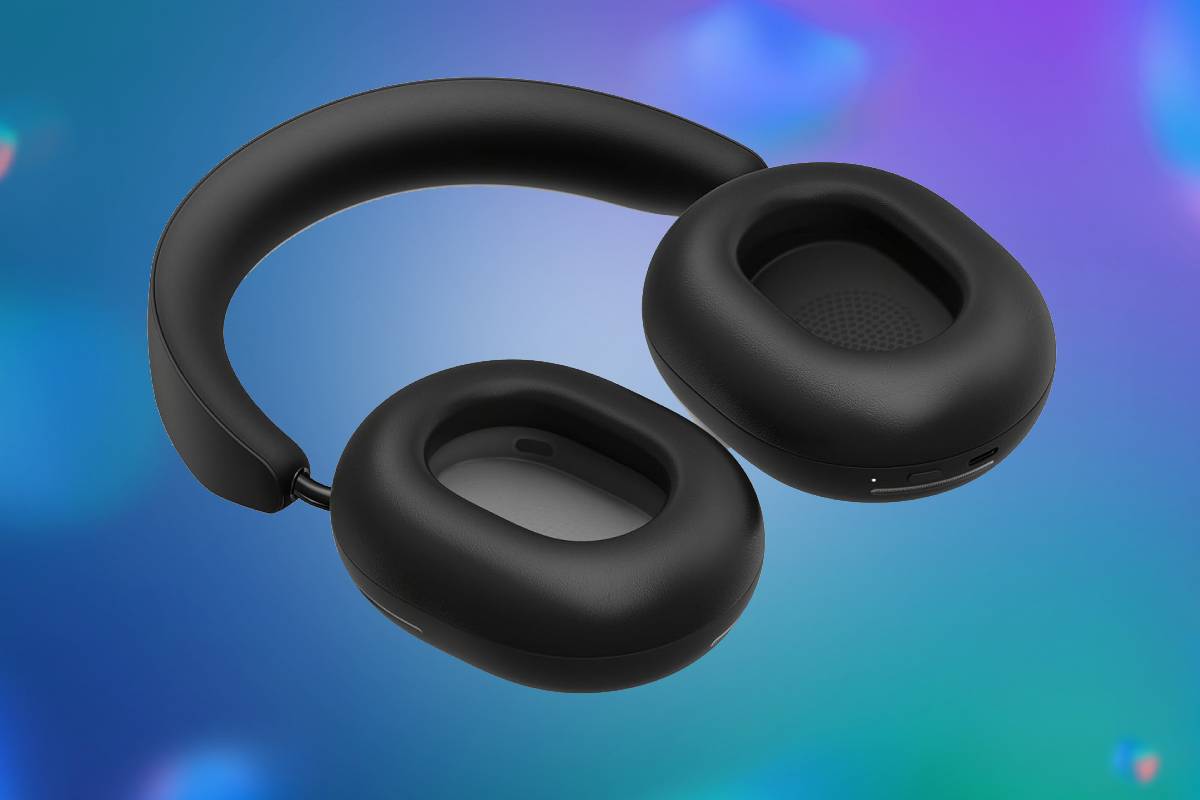
Choose based on comfort and isolation needs. Over-ear closed-back headphones typically offer better passive isolation than open-back designs, which leak sound and invite distractions. On-ear models can work, but the headband pressure can fatigue some users. In-ear wired or wireless earbuds are portable and often isolate well, yet they require tip fit and can irritate if the seal is wrong.
For a first purchase, aim for a fit you can wear for a full commute or a full study block. If you can, test with the same music you already know well, then check for hotspots after 15–20 minutes. If you use glasses, confirm that the earcups do not press on the frames, because that contact can turn “fine” into “unbearable” quickly.
Match Sound Goals To Tuning
Instead of chasing “flat” or “studio” claims, decide what you want to hear. For speech and podcasts, you usually want intelligible midrange and controlled bass so voices do not sound masked. For music listening, you may prefer a mild bass lift, but excessive low-end can hide details at lower volumes. Frequency response graphs can help, yet they do not replace listening because your ear shape and seal change the result.
Look for reviews that mention vocals, sibilance, and perceived soundstage rather than only measurements. If a reviewer notes harsh treble at higher volumes, treat that as a warning sign for long sessions. A personal aside from shopping habits: I tend to avoid headphones that reviewers describe as “bright” when I know I will listen at night, because bright tuning often increases fatigue.
Verify Bluetooth And Latency
If you plan to watch video or play games, check latency behavior. Many Bluetooth headphones support low-latency modes, but not all devices trigger them the same way. On phones, switching between apps can change the audio pipeline, which can lead to lip-sync drift. On laptops, Bluetooth audio can also compete with other wireless devices, causing stutters that feel like “bad Bluetooth,” even when the codec is supported.
Test with a short video clip that has clear lip movement. If you notice delay, try a wired connection or a different Bluetooth mode if the headphone supports it. Also check whether the headphone supports multipoint pairing; if it does, confirm that it switches correctly between phone and laptop without manual re-pairing, which can be a hassle when you are in a meeting.
Case Examples For Real Life
Student Commuter With ANC
A student commuting by subway wants fewer distractions and listens to podcasts at moderate volume. They choose closed-back over-ear headphones with ANC because passive isolation alone does not reduce low-frequency train rumble enough. During testing, they notice that ANC works best for steady noise, while announcements still cut through. They also find that wearing the headphones for 45 minutes causes heat buildup, so they switch to a model with larger earcups and better ventilation. Their final decision comes from comfort checks and a lip-sync test on a phone video app, not from the advertised battery number.
Remote Worker Using Multipoint
A remote worker alternates between a laptop and a phone during the day. They buy a wireless headset with multipoint pairing so calls can route to the headset without re-pairing. In their first week, the mic sounds clear in a quiet room, but it picks up keyboard clicks when they type close to the desk. They solve most of the issue by moving the mic pickup closer to their mouth and reducing background noise in the room, then they confirm that the laptop’s Bluetooth profile stays stable after sleep. Their takeaway is that mic quality depends on both the headset and the working setup.
Comparison Checklist And Table
Use this table to compare candidates without relying on marketing claims. Treat “good” as a match to your use case, not a universal rating.
| Parameter | What To Look For | Why It Matters | Quick Test |
|---|---|---|---|
| Fit And Seal | No hotspots; stable seal | Reduces volume needs and leakage | Wear 20 minutes; check pressure points |
| ANC Behavior | Effective on steady noise | Less fatigue on commutes | Compare train rumble vs announcements |
| Bluetooth Codec | SBC/AAC baseline; better if supported | Affects compression and latency | Check device audio settings; test video lip-sync |
| Mic Clarity | Speech intelligible in your room | Fewer call follow-ups | Record a 30-second call sample; listen back |
| Battery Reality | ANC on runtime closer to your habits | Avoid mid-day charging | Track one week; note ANC and volume |
Step-by-step checklist for a first purchase:
- Write down your top two use cases (for example, “podcasts on commute” and “Zoom calls”).
- Choose form factor based on comfort and isolation needs, then confirm you can return the item if fit fails.
- Check device compatibility: wired port type, Bluetooth multipoint, and whether your phone supports the headphone’s codec.
- Test with one familiar track and one speech clip, then check for harshness at your typical volume.
- Test calls by recording your voice in the same room you use most, since room acoustics change perceived mic quality.
- Track battery for a week with ANC on if you plan to use it, because “up to” ratings often assume lighter use.
Practical Common Mistakes
Buying without a return plan is the most expensive mistake. Ear fit and comfort vary widely, and a headphone that feels fine in a store can feel different at home after sweat and heat build up. Another mistake is ignoring cable and adapter needs for wired use. If your laptop lacks a 3.5 mm jack, you may rely on a USB-C adapter; a low-quality adapter can add hiss or reduce volume range.
People also misread ANC behavior. ANC often reduces steady noise but does not remove all sound, so you can still hear voices and sudden announcements. If you rely on ANC alone for safety in traffic, you may miss important cues. A mild frustration: many product pages describe ANC as “silencing” without clarifying what kind of noise it targets.
Finally, avoid assuming that “high impedance” headphones always sound better. Impedance interacts with your device’s headphone amplifier and volume control. If you buy a wired headphone with high impedance for a phone, the phone may drive it quietly, which leads to higher volume and potential discomfort. If you see a model that requires a dedicated amp, treat that as a compatibility constraint rather than a minor detail.
FAQ
What Fit Checks Matter Most?
Check for pressure points after 15–20 minutes, confirm the ear seal stays stable when you talk or move, and verify that the cable or headband does not shift when you look down.
Do Frequency Specs Predict Sound?
Frequency range alone rarely predicts how vocals or bass will sound at your listening volume. Use it as a rough hint, then rely on listening impressions and measurements that describe response shape.
Which Bluetooth Codec Should I Prefer?
Start with SBC or AAC support for broad compatibility. If your phone supports a higher-quality codec and the headphone supports it too, you may get better audio behavior, but latency and stability still depend on the device.
How Can I Test Mic Quality Quickly?
Record a short voice sample on your phone or laptop in the same room you use for calls, then listen back for muffling, background noise, and echo.
Is ANC Safe For Listening Habits?
ANC can reduce perceived noise, which may help you listen at lower volume. Safety still depends on your volume level and listening duration, not only on whether ANC is on.
Author's Insight
Headphone buying decisions work best when you treat comfort, compatibility, and use-case behavior as separate variables. Fit and seal influence perceived bass and isolation more than many spec sheets do. Bluetooth performance depends on codec support and the audio pipeline of your specific phone or laptop, so testing with video lip-sync and call recordings reduces guesswork. If you see firmware version notes in reviews, they can matter because Bluetooth stability and mic processing sometimes change after updates; for example, a reviewer might mention firmware dated 2024-11 that improved call clarity. I cannot provide personal clinical experience, but the practical approach above matches how audio hardware behaves in real device setups.
Key Takeaways
Choose the form factor that matches your comfort and isolation needs, then verify device compatibility before you commit. Use listening tests for vocals and speech, and use video lip-sync plus call recordings to catch latency and mic issues. Treat ANC and battery “up to” numbers as best-case conditions, then measure your own week of use. A short return window and a clear checklist prevent most first-pair regrets.